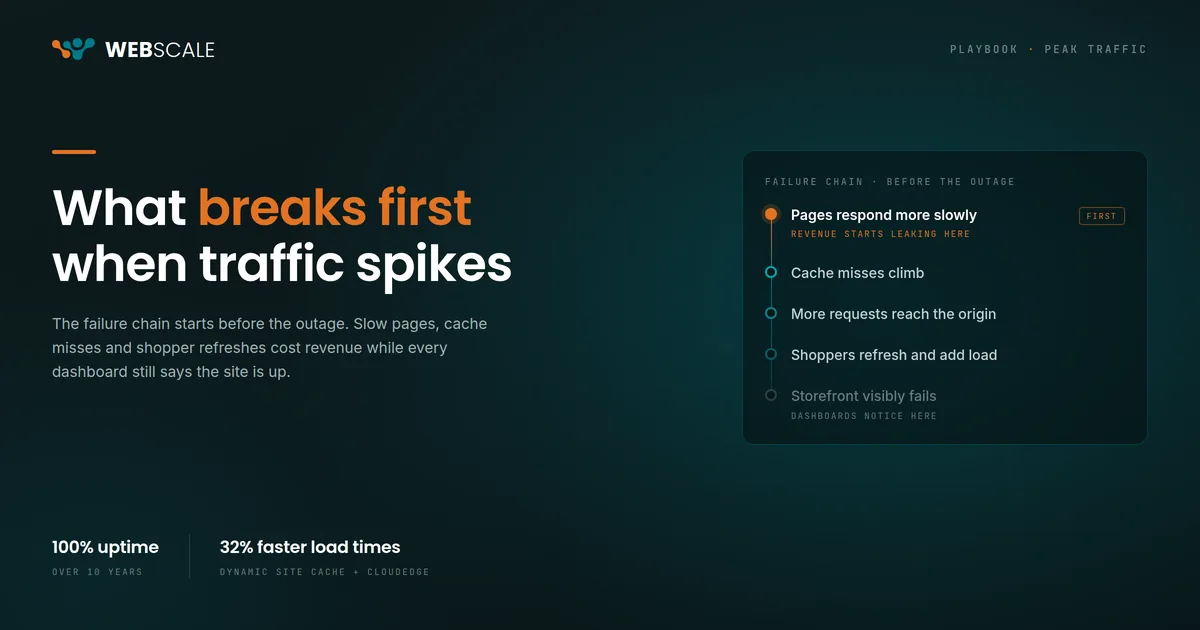
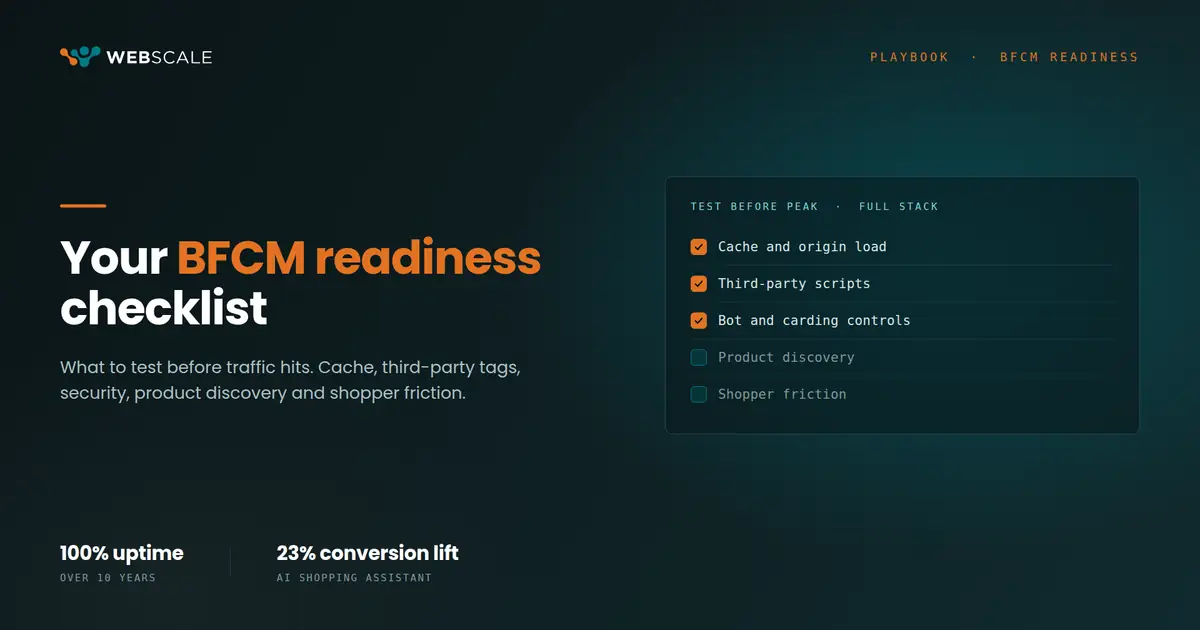
In 2006, Greg Linden ran A/B experiments at Amazon measuring what happened when pages slowed down in 100-millisecond increments. The result was a 1% drop in sales for every 100ms added. He published this in a Stanford presentation called “Make Data Useful.” The industry internalized it as a page speed argument.
The same logic applies to data freshness in AI. The consequences compound differently: a slow page costs you one transaction. Stale data costs you the intelligence the AI needed to win that transaction, and every transaction in the session that follows.
Most commerce AI is working on yesterday’s data. The request that carries today’s shopper behavior travels through your infrastructure at this moment. That’s where the AI should live.
The request path is where decisions happen
Every checkout, every product page load, every cart update travels through an application delivery layer before it reaches your commerce application. That layer handles SSL termination, request routing, caching rules, security checks, and bot filtering. It sees every signal in the session, at the moment it happens.
That’s where Webscale’s CDP lives. Inside the data plane, inline on the request path, with direct access to in-session signals before the response goes back to the shopper. For more on why this matters, see Two Minutes of Stale Data.
The practical difference: when a shopper adds a product to their cart, their segment updates in real time. When they abandon a page mid-scroll, the AI Shopping Assistant has that signal immediately. When a promotional surge sends traffic spiking in seconds rather than minutes, the CDP isn’t a bottleneck because it’s part of the same infrastructure scaling with the traffic.
To understand why in-session data matters for personalization, see First-Party Data in Ecommerce: Beyond Third-Party Tags.
Why most CDPs are working on yesterday
The standard application-layer CDP pulls data from your application through event streams or log exports. There’s inherent latency in that path. For JavaScript tag-based CDPs, the typical range is seconds to a few minutes under normal load. For batch export architectures, it’s hours. Either way, for a shopper in session right now, the model is working on a profile that doesn’t include what they’ve done today.
Adobe’s own documentation on Federated Audience Composition acknowledges the warehouse latency problem directly. Their solution is a better ingestion pipeline. The architectural constraint remains: data has to travel out of the application layer and back to the model before a decision can be made. Note: Adobe’s Edge Decisioning product addresses some in-session use cases within the Adobe ecosystem, but adds another Adobe-specific dependency to your stack.
Webscale doesn’t solve this with a faster pipeline. The CDP sits where the data already is.
What a live request looks like
Here’s a representative trace of what happens when a returning shopper hits a Webscale-hosted Adobe Commerce storefront and clicks Add to Cart. Times are normalized to a 100ms dynamic request baseline. Real-world numbers vary with origin configuration, geographic distribution, and application complexity.
- T+0ms: Request enters CloudEDGE at the nearest point of presence. SSL terminates here.
- T+2ms: Web Controls evaluates the request. Security rules, bot scoring, rate limiting, and routing run here. For a dynamic cart update, it passes through.
- T+6ms: The CDP reads the session token, looks up the shopper’s first-party profile, and records the cart event. The update is synchronous, not written to a queue for later processing.
- T+7ms: AI Segmentation reads the updated profile. The third item added this session. Segment classification updates. The segmentation model runs in the same data plane.
- T+8ms: The AI Shopping Assistant has the current cart state and updated segment available. No separate API call to a warehouse. Every response is constrained to the merchant’s own first-party data and is fully auditable.
- T+10–100ms: Request travels to origin. Cart updated by the commerce application. Response returned.
- T+return: Session event logged. Profile complete with this interaction.
In this representative trace, the CDP and AI layers add roughly 2ms to the request path: around 2% of a 100ms dynamic request.
The integration tax on stitched systems
Every vendor boundary in your stack is a maintenance contract. CDN from one provider, WAF from another, CDP from a third, AI layer from a fourth. When one vendor releases an update, you validate the downstream contracts. When a peak event exposes a bottleneck, you escalate across four support organizations.
A mid-market merchant’s infrastructure team typically has one or two engineers who own this stack. That team can’t be the integration layer for four separate systems and still ship product work.
Webscale’s Agentic Commerce OS is built on a unified application delivery layer. CloudEDGE, Web Controls, CDP, AI Segmentation, and AI Shopping Assistant aren’t separate products sharing a dashboard. They run on the same stack, share the same request path, and are operated by one team. When something degrades under load, it shows up in one observability plane.
For a broader look at how real-time data shapes commerce decisions, see What Is a Customer Data Platform for Ecommerce?
Four questions to evaluate your own stack
- How much time elapses between a session event in your storefront and that event being available to your segmentation model? If you can’t answer this from a dashboard, the latency is probably longer than you think.
- When traffic doubled at your last peak event, which system degraded first? In our experience across Adobe Commerce and Shopware deployments, application-layer AI is almost always the weakest link: it sits outside the request path and gets queried under load.
- How many engineering hours per quarter do you spend maintaining integrations between your CDN, WAF, and personalization layers? That number is your integration tax, and it compounds every time a vendor ships a major release.
- What percentage of your first-party data was captured in the current session versus imported from a historical export? The lower that number, the more stale the intelligence your AI is working with.
If these questions expose gaps in how your current stack handles real-time data, it’s worth understanding what an AI Shopping Assistant built on live signals can change. See AI Shopping Assistant for Adobe Commerce: Conversion Guide for a practical breakdown.
Webscale delivers the Commerce Cloud Infrastructure to run your store and the Agentic Commerce OS to grow it.