Peak events are the most honest performance review your infrastructure will ever give you. Load tests simulate, monitoring dashboards aggregate, but a real flash sale or viral product moment surfaces failure modes that don’t exist at normal traffic levels.
We’ve watched a number of Adobe Commerce and Shopware merchants handle peak events on Webscale infrastructure over the past year. Three observations come up consistently when traffic goes from baseline to double in under two minutes.
1. Application-layer AI degrades first
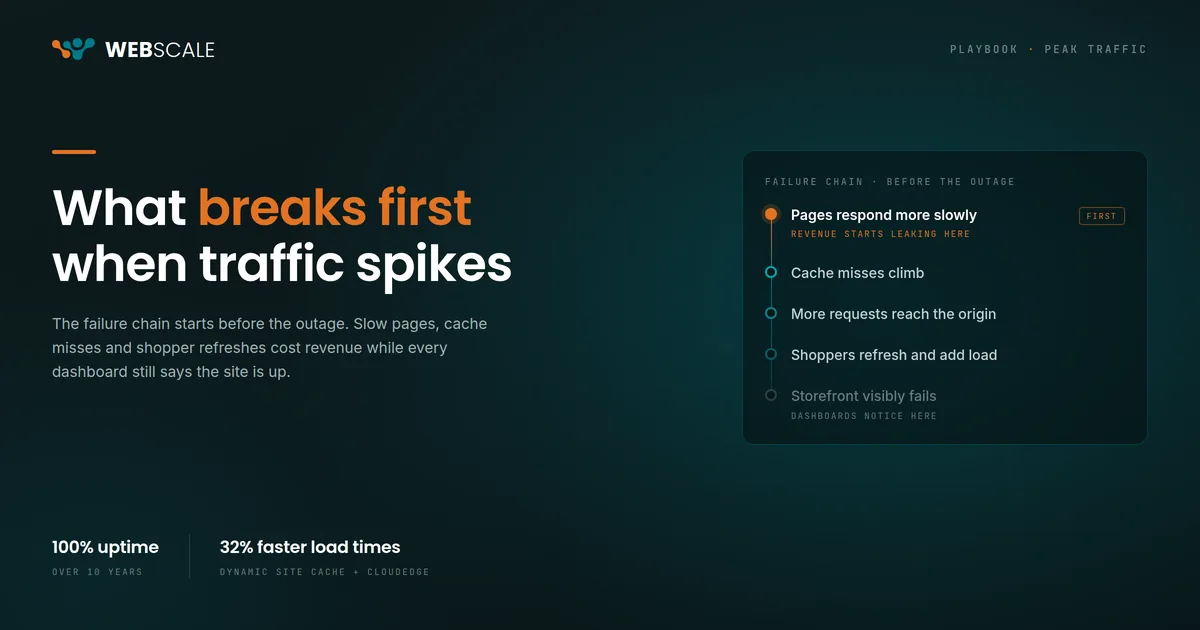
The AI personalization layer is almost always the first system to show latency degradation under peak load. Not the database. Not the CDN. The personalization engine.
Why? Application-layer AI is typically the most thinly provisioned component in the stack and the most dependent on external query latency. At normal traffic, the personalization service has enough headroom. When traffic doubles, the query rate to the customer data platform doubles. The CDP starts queuing. Response times on the AI layer go from 50ms to 400ms.
The alert threshold for personalization is usually set loosely: it’s a soft quality metric, not a hard availability metric. The engineering team doesn’t page for 10 minutes. By then, the AI layer has been serving degraded experiences for thousands of sessions.
The shopper never sees an outage page. They just stop getting relevant recommendations, category ordering degrades, and product discovery gets worse during the highest-intent buying window of the quarter.
The dangerous part is that degraded personalization rarely looks like a production outage. It looks like lower engagement, weaker conversion paths, and shoppers abandoning sessions without leaving a clear operational signal behind.
When the CDP runs inline on the request path, it scales with the request path infrastructure. There’s no separate query to an external system. Degradation looks like request latency, which is monitored tightly and pages fast. For more on the latency cost of external CDP queries, see Two Minutes of Stale Data. For the architecture context, see Inside the Stack: Where Ecommerce AI Lives.
2. Integration failures are hard to isolate
When a stitched stack of CDN, WAF, CDP, and AI layer starts degrading under peak load, isolating the failure takes time you don’t have. Each vendor has its own observability tools. The SRE team is across four dashboards. The timeline for when each component started degrading is based on four different clock sources and log formats.
The failure is rarely one system going completely down. It’s four systems each showing 15–20% degradation, the combination of which produces a noticeably broken user experience. Correlating that across vendor boundaries takes 20–30 minutes during a live peak event. That’s an ecommerce SRE observability gap, not just a tooling preference.
A unified application delivery stack has one observability plane. Request traces show the full path from edge to origin. Degradation at any layer is visible in the same timeline. When something goes wrong at 3:47 PM on Black Friday, the postmortem doesn’t start with three separate escalation calls to three vendors.
3. Your autoscale triggers are too slow
Most ecommerce autoscaling configurations are built on defaults designed for gradual traffic growth. The standard trigger threshold: CPU usage above 70% for 60 seconds. That comes from cloud vendor templates built for workloads that ramp over minutes, not seconds.
When traffic doubles in 90 seconds, the first 60 seconds of that spike are spent hitting the threshold. The scale-out event fires as the peak is already causing degradation.
Webscale’s application delivery layer handles burst traffic at the edge before it reaches the origin. Dynamic Site Cache serves a significant percentage of peak request volume without the origin being involved. Specifically, it caches pages for non-logged-in users outside the application infrastructure, offloading generic browsing and bot activity entirely. The load that reaches autoscale-eligible infrastructure is a fraction of the raw peak traffic, which means the autoscaling logic has more time to respond. The result: infrastructure that can perform under peak demand without burning your engineering team on capacity calls during live events.
Any CDN with strong edge caching reduces origin pressure during traffic spikes. The issue is that most mid-market ecommerce stacks are under-cached in practice. Cache rules are configured once during launch, then left untouched for years while the storefront, integrations, and traffic patterns evolve around them.
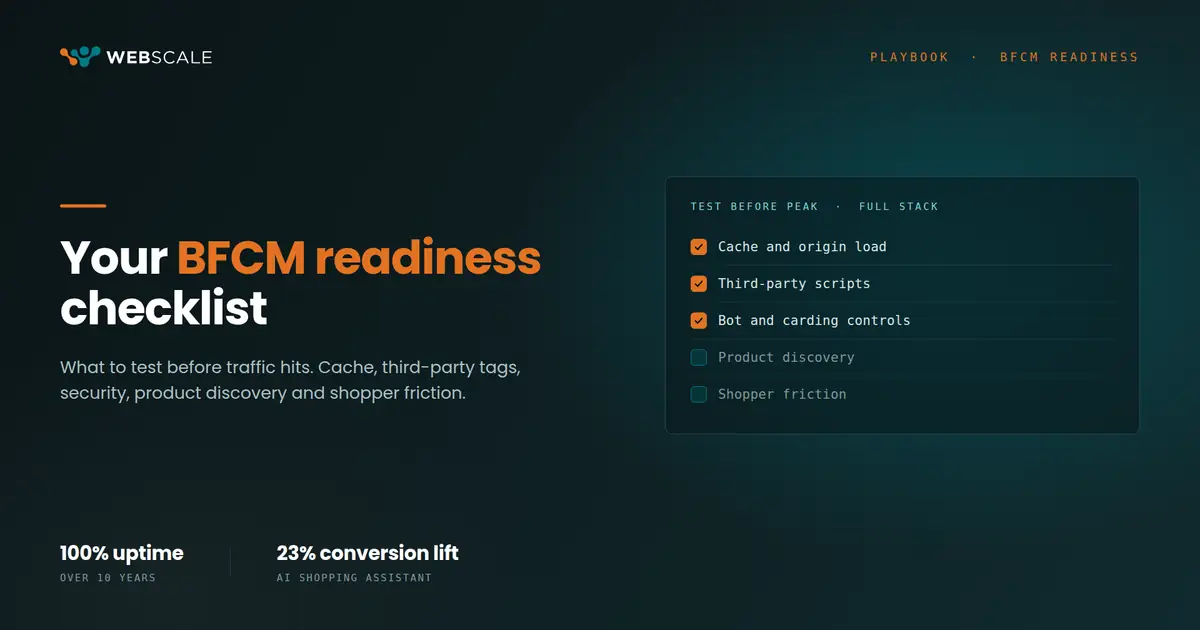
What to add to your pre-peak runbook
Three items worth adding before your next high-traffic event.
Verify your CDP query latency at 2x baseline traffic, not just at normal load. If you’ve never tested your personalization layer under peak conditions, you don’t know your degradation threshold.
Run a failure isolation drill. Simulate the failure of one component in your stack and measure how long it takes your team to identify which component failed. If isolation takes more than five minutes, your observability has gaps.
Check your autoscale trigger time against your expected traffic ramp rate. If your fastest expected ramp is 90 seconds and your trigger delay is 60 seconds, you have a 30-second window where you’re absorbing peak load without additional capacity. Know that gap before the event, not during it.
The infrastructure decisions behind your storefront determine how reliable your AI becomes under real traffic.
To understand how a unified stack addresses these failure modes end to end, see What Is Agentic Commerce? or explore Preventing Drop-Offs with Real-Time AI Interventions.