
Ha Ha
Three Lanes
Search. Agent. Training. Cloudflare changed the default for new zones.
Cloudflare split "AI bot" into three categories on September 15 and flipped the default for new zones. The industry taxonomy just moved.

Seven departments, one field report from the cutover and one three-week follow-up.
What changed on Sept. 15
On Tuesday, Sept. 15, Cloudflare changed the defaults for new domains. Bots classified as Agent or Training are blocked on pages that display ads, while Search remains allowed. Existing domains were not automatically moved to the new default.
The change applies to domains onboarding from Sept. 15 forward. If your site was already configured by the night before, your rules are unchanged unless you opt in. The taxonomy is useful regardless of your edge provider: Search, Agent and Training are now the categories a security team expects you to speak to.
What the three bot behaviors are
Crawlers that index your content so they can answer questions about it later. Googlebot on your product pages is Search. The trade a merchant makes with a Search crawler is content in exchange for referral traffic.
Automated activity acting in real time on a shopper's behalf. Chat fetch bots that pull a page for an assistant answering a shopper's question, browser-use agents driving Chrome to complete a purchase, a Claude or Gemini agent visiting checkout on someone's instructions. There's a human waiting for the result on the other end. That's the new category, and it's the one the default now blocks on ad-supported pages.
Crawlers that take your content to train or fine-tune a model. Your content becomes weights, permanently, and no shopper session is waiting on the request. The default now blocks Training on ad-supported pages too.
What signed agents are
What signed agents don't do
A signed agent solves identity. It doesn't solve intent. A well-behaved commercial operator that wants to be recognized on your site will sign. A scalper toolkit will not. A credential-testing bot rotating through residential proxies will not. A scraper reselling a competitor's free tier will not. Signed bot auth is a real developer tool and it's the traffic your operators aren't struggling with. The traffic your operators are struggling with is going to keep looking like a person on a real browser build.
Bot posture in 2026 is a two-tier problem. Signed classification for the agents that want to be recognized, behavioral detection for the ones that don't.
What to do about it this week
If you're on Cloudflare and you were configured before Tuesday, nothing changed on your site by default. Check your bot rules anyway, because the Agent classification is new and any rule you wrote a year ago against "AI crawlers" as one category no longer maps cleanly to what the system now recognizes.
If you're on Cloudflare and you're spinning up a new domain, the default now blocks Agent traffic on ad-supported pages. That's a merchant-facing decision. If a shopper on ChatGPT or Claude asks its agent to pull a product page from your storefront, and that page carries ads, the agent will get a 403 unless you opt out of the default. Decide before your next campaign push.
If you're on a different edge provider, learn the vocabulary anyway. Search, Agent, Training.
Read the Cloudflare announcement →Ship log
Every item traces to a dated page.
Agent and Training default to blocked on new domains
New domains onboarding to Cloudflare from Sept. 15 forward inherit a bot posture where Agent-classified and Training-classified traffic is blocked on pages that display ads. Search-classified traffic still passes. Existing domains keep their configuration.
Web Bot Auth draft -01 supersedes -00
The Internet-Draft on HTTP Message Signatures for automated traffic advanced from -00 (June, informational) to -01 (August, standards track) with authors from Cloudflare and Google. The Signature-Agent header, JWKS key directory format, and well-known URI at /.well-known/http-message-signatures-directory are all defined at draft-01 status. See Roast Notes for the diff.
Shopping assistant reaches into the KB when the catalog can't answer
Comparisons resolve on shopper wording, not catalog wording
Every item above traces to a dated page on docs.webscale.com.
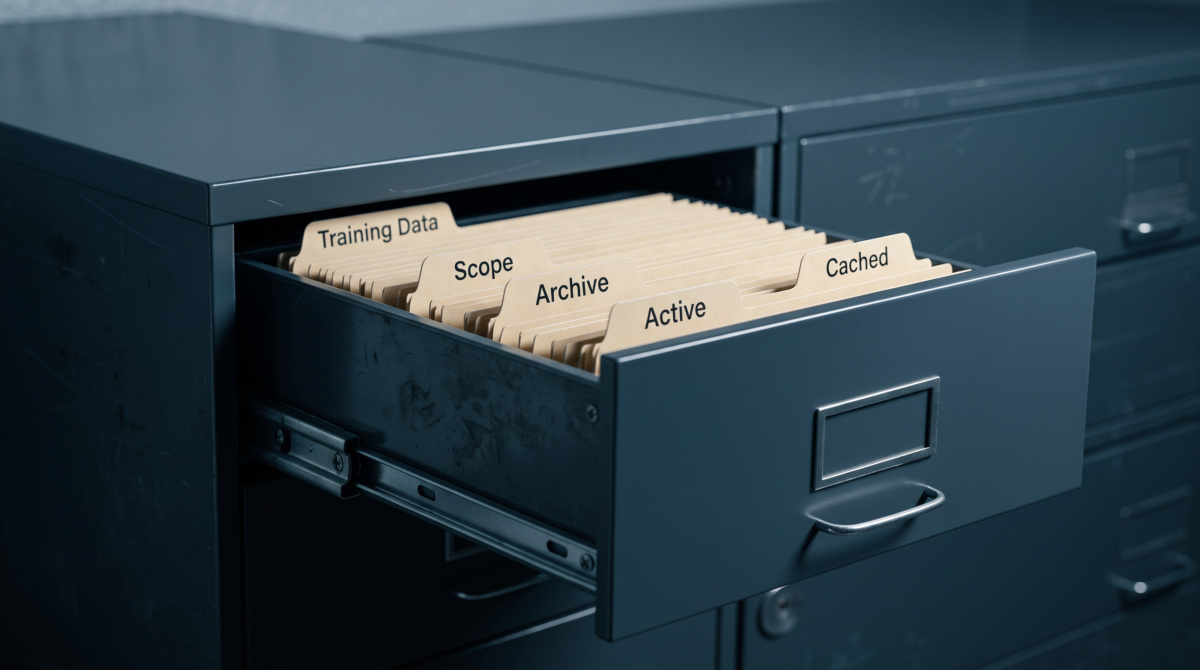
Configuration ships from the Aug 17 release notes
Developer-configurable behavior in the assistant surface. Framing is deliberate: what a developer changes, not who consumes the output.
Folder-scoped agents, and the empty-set default
Select a folder in the console and the agent only draws from that content. Deeper folders are scoped in the same way. Select no folder at all and the agent runs without a knowledge base rather than searching everything the merchant has uploaded.
That empty-set behavior is the choice that decides what's exposed by default, and it's the reason a first configuration should start with no dataset selected until you've decided which one to add.
Retention behavior at a glance
Archiving a file removes it from answers immediately. Unarchiving brings it back. Deleted content disappears from the training list for good. Every file shows whether it's active or archived at a glance, which is what a compliance audit wants to see.
Worth the space because the retention conversation this creates is a real one for regulated categories where a document has to disappear from answers on a stated date.
Roughly ten times faster
Repeat questions against large merchant content now reuse work the assistant has already done. In testing, a heavy request that took about two and a half minutes returned in around thirteen seconds. Numbers directly from the release notes.
If you're seeing multi-minute waits on your first run against a new dataset and much shorter waits on the second, that's the reuse doing its work, not a caching layer you need to configure.
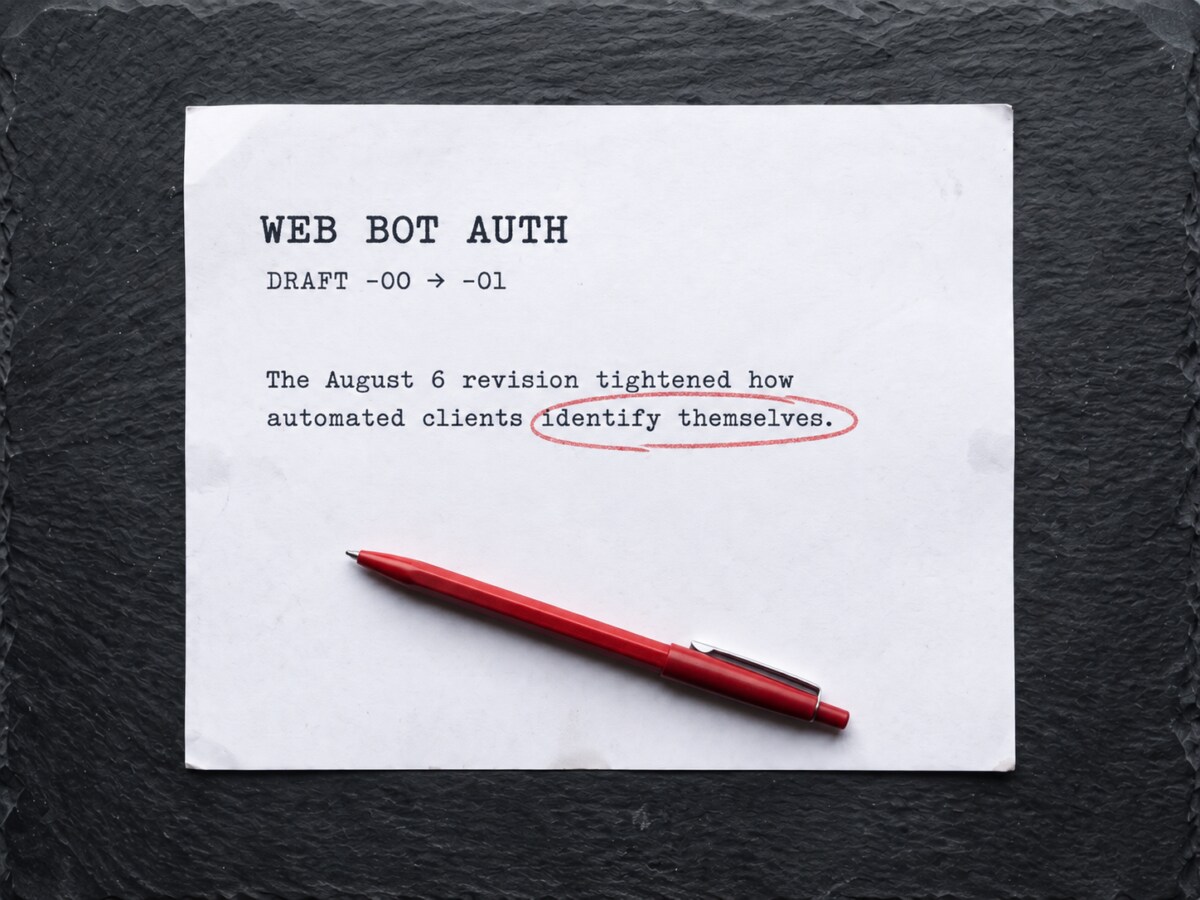
What changed between -00 and -01
Spec-world watch. What moved, and what it changes for a developer running commerce.
Draft -00, published June 2026, was Informational. Draft -01, published August, is Standards Track. Draft -01 changes the intended status to Standards Track.
The -01 draft specifies the Signature-Agent header for in-band key discovery and a JWKS-format key directory served at /.well-known/http-message-signatures-directory. If you're building or verifying signed-agent traffic, that URL is where you point clients and where you verify against.
It's a small win for interop and a real one for anyone who was writing a custom signed-agent verifier last month. Reference implementations exist in Python (openbotauth) and Node. Building your own verifier from scratch is now the third-best option.

Webeyez, three weeks in
The Aug 14 general availability crossed the three-week line on Sept 4. Named triggers are running on the assistant today: search_no_results, page_latency_high, unproductive_browse, exit_intent, idle_on_fitment and a storefront-specific custom_trigger built during onboarding.
Issue 08: Zero results is a signal now →A first search_no_results threshold works better once you baseline against your own failed-search rate rather than the vendor default. Storefronts with a class of queries that legitimately returns zero results (out-of-stock filters, jurisdiction-restricted items) will fire the signal more often than the default expects. Baseline for a week, then set the threshold on the delta.
The idle_on_fitment signal only fires cleanly if you've implemented fitment. If your storefront doesn't have a fitment flow, the signal won't fire and there's nothing to configure. If you do have fitment, this is one of the signals worth watching first, because a shopper going idle on a fitment step is a shopper about to leave.
The generic outbound webhook is still on the roadmap. If you're correlating friction events with infrastructure telemetry in your own tooling, you're still waiting. Same limit we named on Aug 31 and no closer to shipped than we were then.
This is where the department earns its keep.
ai.webscale.com/offers/webeyez →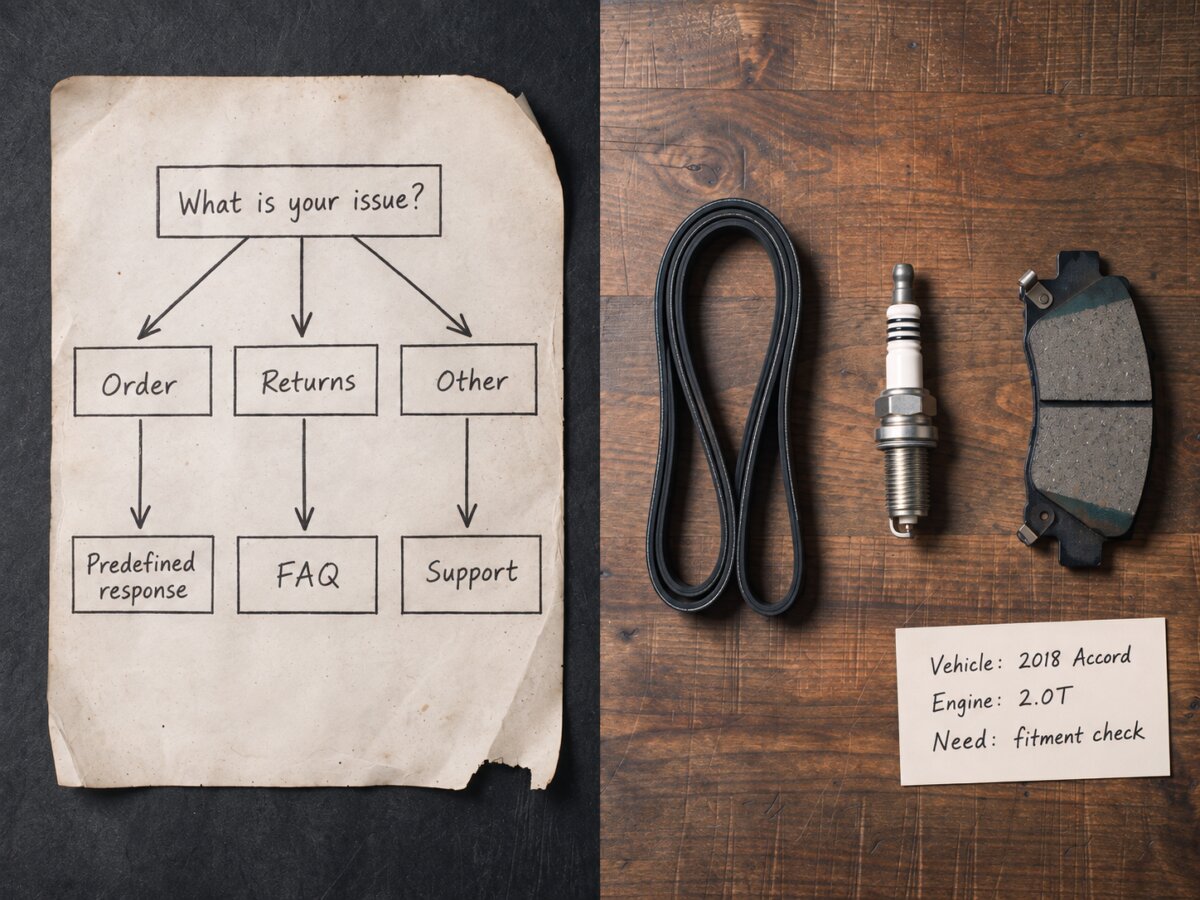
Chatbots close tickets. Assistants help shoppers decide.
From the blog: AI Shopping Assistant vs. Ecommerce Chatbot: What's the Difference?
The difference shows up in what each one reaches for, and it's worth reading in a week when your bot posture, your merchant's assistants and your shopper's agents are all being classified separately for the first time.
Adrian Luna · August 6, 2026
Read the post →
Cutover checklist
Work through this in one sitting.
Forward this to whoever owns the deploy
The platform changes, and what to do about them in your environment.