Most BFCM readiness checklists tell you to review your hosting plan, confirm your promotions and make sure you have enough inventory.
Fine.
The harder questions start when the traffic arrives.
What happens when product traffic jumps faster than your origin can scale? What happens when a third-party script slows checkout? What happens when bots arrive with the shoppers? And if the site stays up, can customers find what they came to buy?
BFCM readiness is not one load test and a green status page.
It is knowing how the storefront behaves when several things go wrong at once.
BFCM readiness for ecommerce is the practice of stress-testing your storefront’s full stack before Black Friday and Cyber Monday: not just uptime and infrastructure, but cache performance, third-party script resilience, bot and carding defense, product discovery, and session-level shopper friction. A store is ready when the team knows what breaks first and who owns the fix.
Start with the traffic path
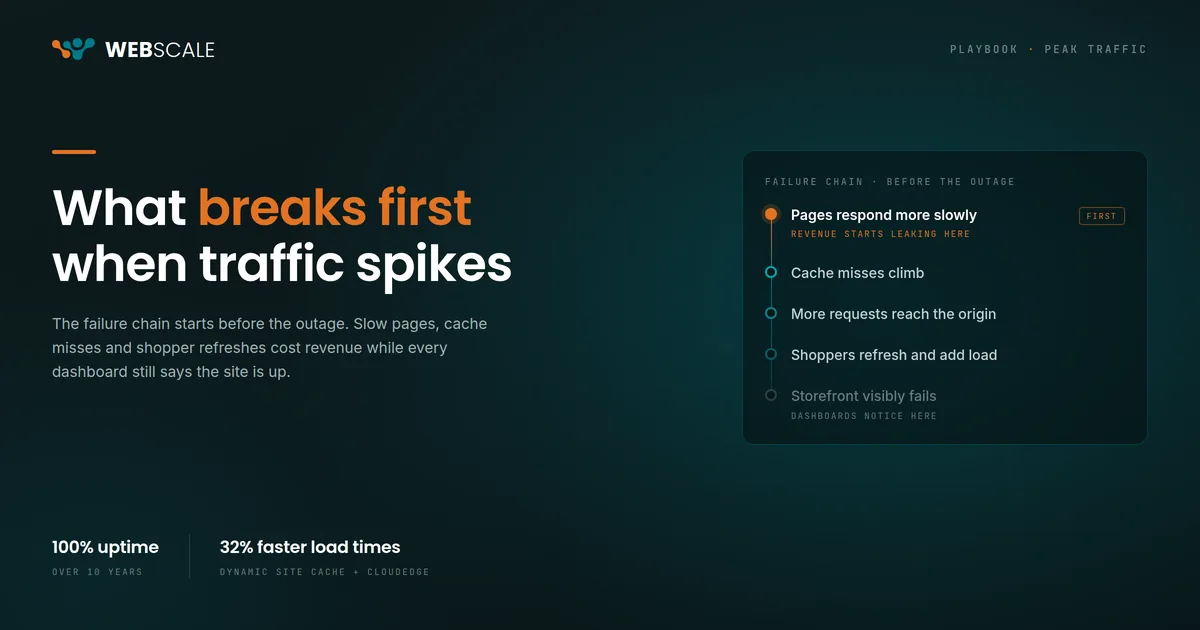
Before worrying about how much traffic your infrastructure can handle, look at how much traffic needs to reach your origin in the first place.
Check your cache performance on product and category pages. Look for pages that repeatedly fall through to the application layer. Find the catalog updates, personalization calls and other requests that create unnecessary origin work.
Then load-test the storefront beyond the traffic forecast you are comfortable with.
A forecast tells you what you expect.
Peak testing should tell you what happens when you are wrong.
Run a surprise promotion. Simulate a product going viral. Push traffic hard enough to expose the first constraint rather than stopping the test as soon as everything looks healthy.
The important question is not whether the site passes.
It is what breaks first.
Know what you can turn off
Commerce sites collect third-party scripts over time.
Analytics. Advertising pixels. Reviews. Chat. Personalization. Payment tools. Testing platforms.
Most are there for a reason. That does not mean all of them need to run when the storefront is under pressure.
Audit what loads on product pages, cart and checkout. Decide now which tools are essential and which can be disabled if they begin slowing down the shopper experience.
You do not want to have that debate while revenue is disappearing.
Webscale Web Controls gives merchants a way to control what runs on the storefront without waiting for a code deployment.
That matters during peak because the problem may not be your application at all.
Sometimes the thing slowing checkout belongs to somebody else.
Test security for the busy day, not the average day
More shoppers also means more bad traffic.
BFCM gives attackers exactly what they want: high transaction volume, distracted teams and enough legitimate activity to make malicious behavior harder to spot.
Carding attacks, credential stuffing and automated bots do not stop because your store is busy.
They take advantage of it.
Make sure bot protection and application security controls are active before peak traffic begins. Review payment endpoints. Confirm that your team knows what unusual login, checkout and transaction behavior looks like.
And test the controls at peak volume.
A security rule that works beautifully on an ordinary Tuesday still needs to work when legitimate traffic is several times higher.
Then test whether shoppers can buy
Keeping the site online is only half of BFCM readiness.
A storefront can be fast, secure and completely available while shoppers still leave because they cannot find the right product.
That problem gets worse during BFCM.
People are moving quickly. They are comparing several stores at once. They may know the category, budget or problem they are trying to solve without knowing the exact product name buried in your catalog.
Run the same kind of stress test on product discovery that you run on infrastructure.
Search for products using shopper language instead of catalog language.
Try vague requests.
Try compatibility questions.
Try comparisons.
Try a product that is unavailable in one variation but available in another.
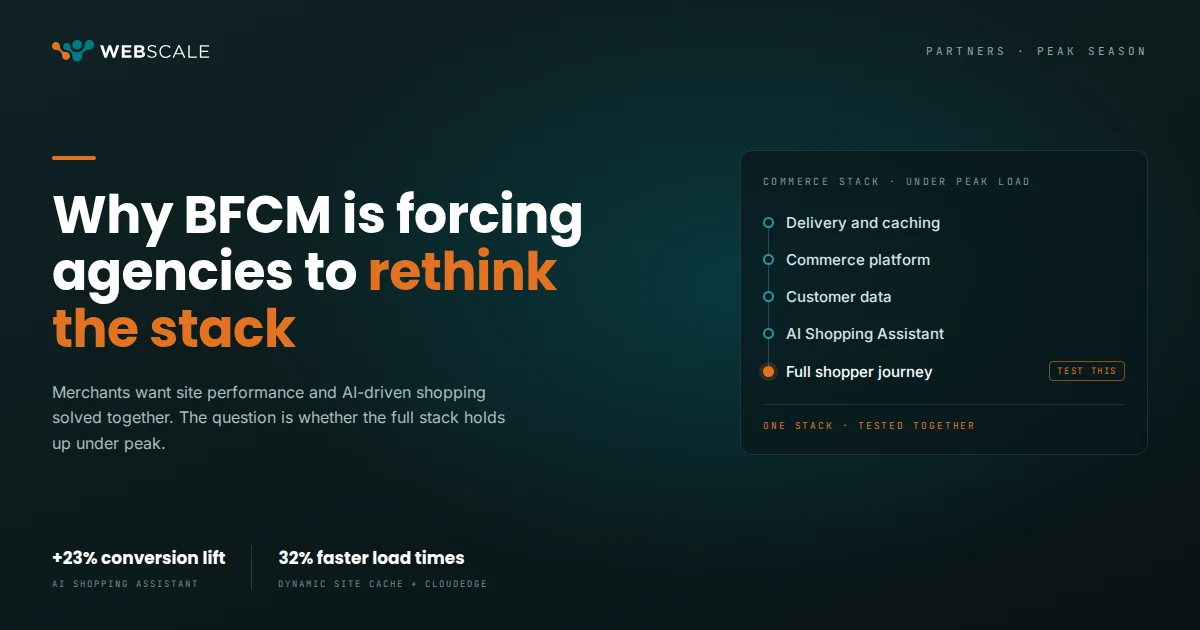
If you use an AI Shopping Assistant, test it against the products and questions most likely to show up during peak. Confirm that it is working from current catalog information, inventory and the rules your business has approved.
Webscale merchants using the AI Shopping Assistant have seen a 23% conversion lift.
The point is not to install something in November and hope for the same number.
The point is to know whether your discovery experience is helping high-intent shoppers move toward a purchase before your busiest traffic arrives.
Add shopper friction to the test
Some failures do not show up as outages.
A search returns nothing useful.
A shopper keeps moving between the same few products.
A page technically loads, but slowly enough that the customer gives up.
Those sessions may look like ordinary exits in your analytics.
They are not.
Use session-level monitoring to identify where shoppers are getting stuck. Webeyez, for example, can detect storefront friction while the session is still happening, giving merchants a chance to respond before the shopper leaves.
That belongs in the BFCM plan too.
Your team should know what a struggling session looks like before Black Friday teaches you.
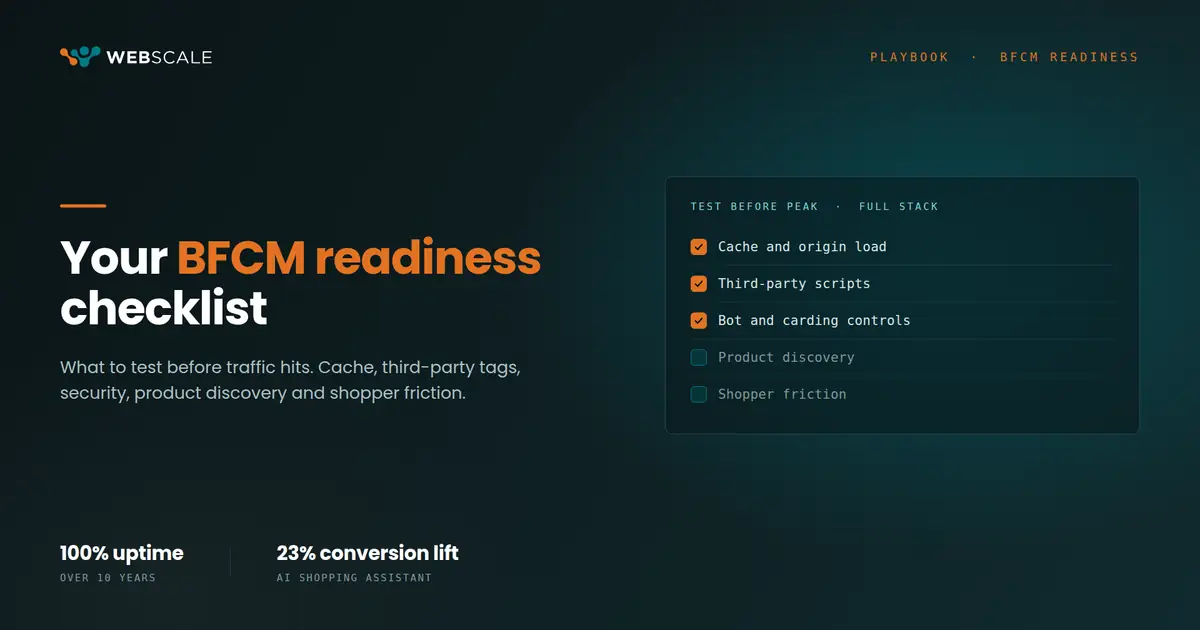
The BFCM readiness checklist
Before peak traffic arrives:
- Review cache performance across product, category, cart and checkout paths
- Load-test beyond your expected peak and document what fails first
- Audit every third-party script and decide which ones can be disabled during an incident
- Test bot, carding and application security controls under peak traffic
- Test your top product searches using the language shoppers use
- Test your AI Shopping Assistant against high-volume products, availability questions and common comparisons
- Confirm product, inventory and policy data is current
- Set up monitoring for shopper friction, not just infrastructure health
- Run one full-stack peak drill before BFCM
- Write down who owns each response when something fails
The last one matters more than it looks.
During a live incident, “Who owns this?” is an expensive question.
Your site can handle the traffic. Can it handle the shopper?
BFCM preparation used to be mostly about keeping ecommerce infrastructure online.
That part still matters.
Webscale has maintained 100% uptime across supported commerce storefronts for more than a decade, and performance remains the foundation of everything that happens above it.
But the job does not end when the page loads.
The storefront still has to block bad traffic, keep checkout moving, help shoppers find products and catch problems before a frustrated customer becomes another unexplained exit.
That is the BFCM test worth running now.
Frequently asked questions
When should I start BFCM readiness testing?
Start 6 to 8 weeks before peak. For a late-November peak that means late September, which leaves time to fix what the testing exposes instead of discovering it during the event.
What is the difference between a load test and a peak test?
A load test confirms the storefront can handle the traffic you forecast. A peak test pushes past the forecast until something starts to degrade. A forecast tells you what you expect. Peak testing should tell you what happens when you are wrong.
Do I need bot protection for BFCM?
Yes. Carding attacks, credential stuffing and automated bots rise alongside legitimate traffic, and high transaction volume makes malicious behavior harder to spot. Confirm bot protection and application security controls are active before peak begins, then test them at peak volume.
How do I test product discovery before BFCM?
Search the way shoppers do instead of the way your catalog does. Try vague requests, compatibility questions, comparisons and products that are unavailable in one variation but available in another. If you run an AI Shopping Assistant, test it against the products and questions most likely to show up during peak and confirm it is working from current catalog, inventory and policy data.
What should a BFCM incident response plan include?
An ownership matrix. Write down who owns each response when something fails, covering cache and origin, third-party scripts, security controls, product data and checkout. During a live incident, “Who owns this?” is an expensive question.
Want to see how Webscale handles peak? Book a demo.