Update, October 23: a related PHP issue
PHP disclosed a separate vulnerability today, CVE-2026-115560, in the same session upload progress feature. It only affects sites with an unusual setup. PHP will fix it in its next regular release and no exploitation has been reported.
A site is affected only when all three of these are true:
- The PHP configuration sets session.serialize_handler to php_binary or php_serialize. The default, php, is not affected.
- The application switches that setting back to php with ini_set() before the session starts.
- Session upload progress is on, which is the default.
The protection is one setting: session.upload_progress.enabled = 0. It only turns off PHP’s built-in upload progress tracking. File uploads keep working. If you already applied it for PHP2Shell, leave it in place. Nothing more is needed.
Webscale customers: we are checking this setting on every environment and turning it off where it isn’t already. The Sanitize Multipart Uploads web control adds a second layer at our proxy. You can set it up with our guide or ask support to do it for you. When PHP ships the permanent fix, we will update our images and servers.
If you haven’t applied the October 21 PHP2Shell updates yet, that is still the priority.
On October 21 the PHP project released emergency fixes for PHP2Shell, two critical flaws that let an attacker run code on any server running PHP. If you run a PHP store or deploy them for clients, this is a heads-up in case it hasn’t reached your desk yet.
Webscale customers: our teams have already been in touch with you directly. We hardened environments before the fix was released and have been patching around the clock since. This post covers what we did and what anyone running PHP should check, including the agencies and partners who deploy for merchants.
What happened
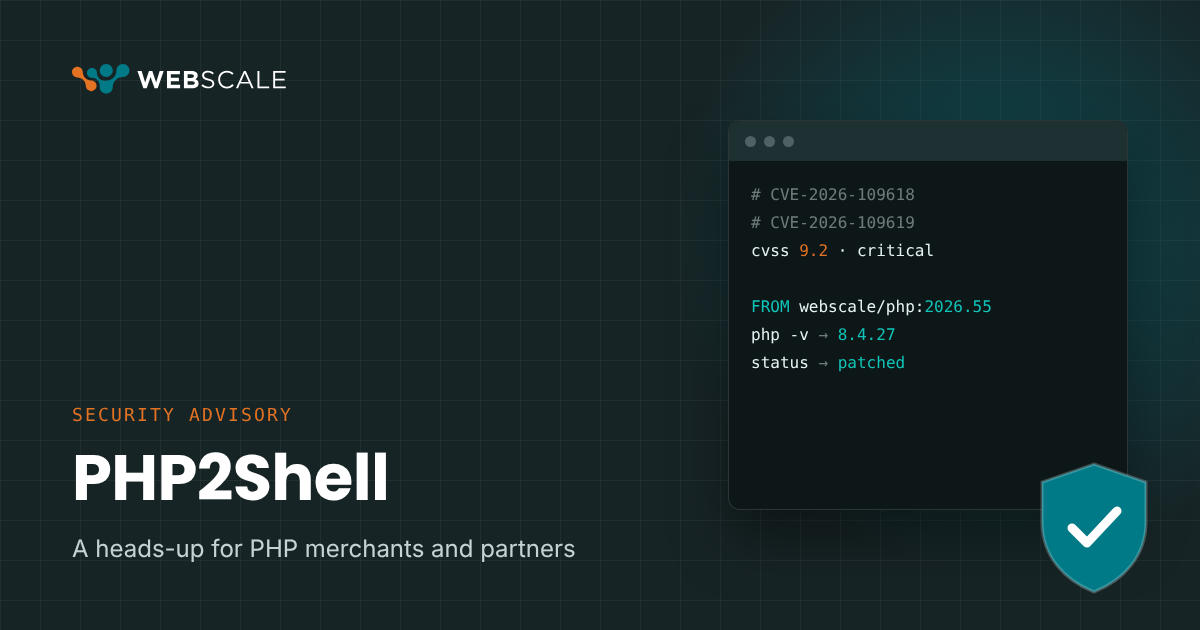
PHP2Shell is two vulnerabilities in PHP itself, CVE-2026-109618 and CVE-2026-109619. Each is rated 9.2 on CVSS v4.0. Both can be exploited without logging in. Cloudflare has reported attack traffic aimed at them.
Because the flaws live in the PHP engine, every PHP application is exposed until the runtime is updated. That includes Adobe Commerce, Magento, Shopware and WooCommerce. A change to store code cannot close them.
PHP fixed both flaws in these releases:
| PHP branch | First fixed release |
|---|---|
| 8.5 | 8.5.12 |
| 8.4 | 8.4.27 |
| 8.3 | 8.3.36 |
| 8.2 | 8.2.35 |
PHP 8.1 and older are past end of life and get no fix from the PHP project.
What Webscale has done
- Hardened environments before the fix shipped. We applied PHP’s interim configuration guidance to customer environments ahead of the release.
- Published patched images the same day. Our 2026.55 images carry PHP 8.2.35, 8.3.36, 8.4.27 and 8.5.12 for both AMD64 and ARM.
- Backported the fix to PHP 8.1 and 7.4. The PHP project does not patch these versions. Our team built and tested the fixes for Webscale Stratus so customers on older PHP are covered too.
- Patched managed environments in stages. We updated development first, then production in batches. Each environment was verified after restart.
- Released a new proxy-layer protection. The Sanitize Multipart Uploads web control inspects file uploads and blocks the request pattern these attacks depend on. It also guards against future bugs in PHP’s file upload parser, so it keeps protecting stores after this patch cycle. It is available to every customer at no extra cost.
- Added exploit monitoring. Customer production environments now alert on the error spikes that signal an exploit attempt.
What you need to do
What you do depends on who manages your PHP runtime.
| Your setup | What to do |
|---|---|
| Webscale manages your PHP runtime | Nothing right now. We are applying the fix and your account team will confirm when each environment is done. |
| You build your own containers on Webscale | Change the FROM line in your Dockerfile to the 2026.55 image that matches your PHP version, operating system and architecture. Rebuild, deploy to staging, check checkout and file uploads, then deploy to production. |
| You’re an agency or partner whose client Dockerfiles reference Webscale images | Update the FROM line in each client repo to the matching 2026.55 image, then rebuild and deploy. A patched image only reaches a site after a new build. |
| An agency or partner handles your deployments | Forward this post to them and confirm when they have redeployed. |
| You run PHP outside Webscale | Update to a fixed release from your host or the PHP project. |
| You want the proxy-layer protection on Webscale | Contact support and our team will set it up for your site. |
After any PHP update, restart every PHP-FPM pool along with CLI, cron and queue workers. An image you built before the update keeps the old PHP version until you rebuild it.
If you run PHP 8.1 or older
On Webscale Stratus we backported the fix to PHP 8.1 and 7.4, so those environments are covered while you plan an upgrade. If you run PHP 8.0 or older anywhere on Webscale, contact support and we will work out the fastest safe path for your store.
The lasting fix is a supported PHP version. We recommend 8.3 or 8.4 over 8.2, since PHP 8.2 reaches end of life on December 31, 2026. Our team can help you plan the upgrade around your Magento or Shopware version.
Where to get updates
We will update this post as the rollout continues. For questions about your own store, contact Webscale support or your account team.